x
Sign Up
Free trial. No credit card required.
Email already taken. Please sign in or try another email.
I agree to the terms of service and privacy policy.
Please agree to the terms of service and privacy policy to continue.


Free trial. No credit card required.
Please check your email.
We've sent you an email. Please check your inbox and follow the link provided to verify your email address.

Learn how Heymarket can help your business create personalized conversations at scale.
Book a DemoReduce no-shows with secure medical texting and email from Heymarket. With our agentic tools, take the administrative burden off your team while increasing patient throughput.
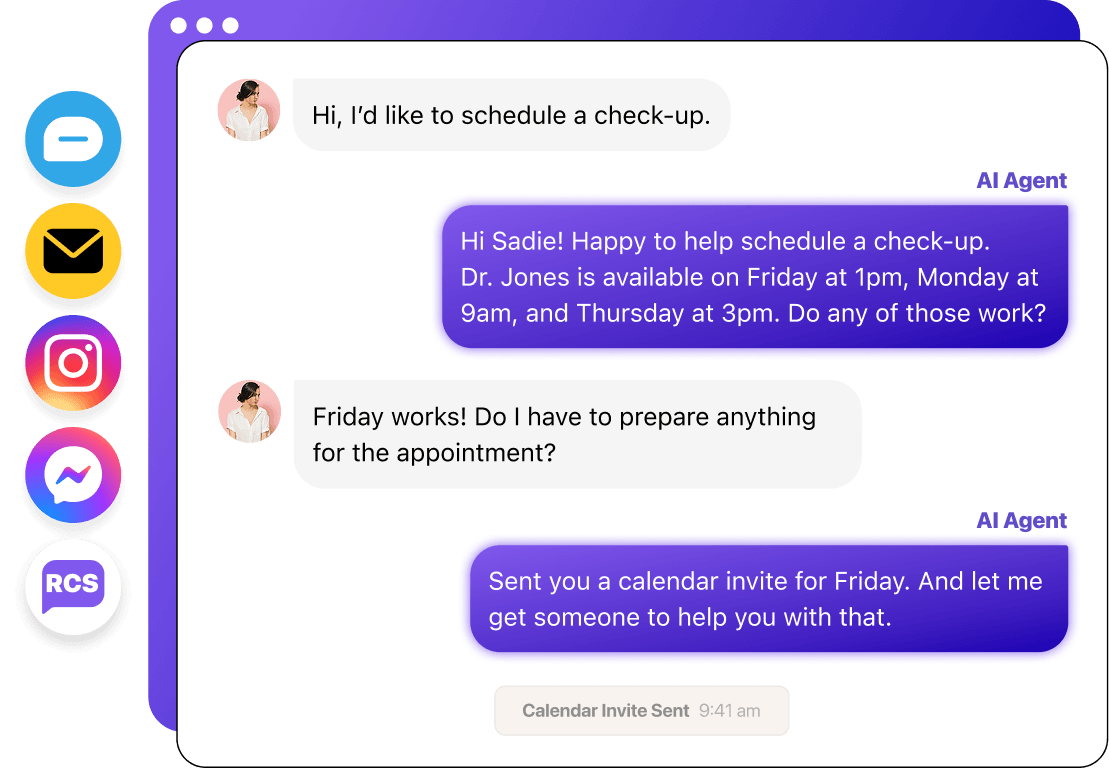




Our intuitive platform gets you texting and emailing in days.

From scheduling to answering questions, AI agents administrative tasks off your team’s plate.

Expedite staff scheduling, billing reminders, and recruiting with automations.
Our specialized agents work alongside your team in your shared inbox to answer patient questions, automate appointment scheduling, and enrich data to reduce manual work.

Answers FAQs instantly from your approved knowledge base. Works across all your messaging channels and gets smarter every day.

Books, reschedules, and cancels appointments via text. Detects intent, presents available slots, and sends confirmations automatically.

Extracts and enriches contact data from every conversation — name, company, intent, budget, timeline — and syncs it to your CRM.
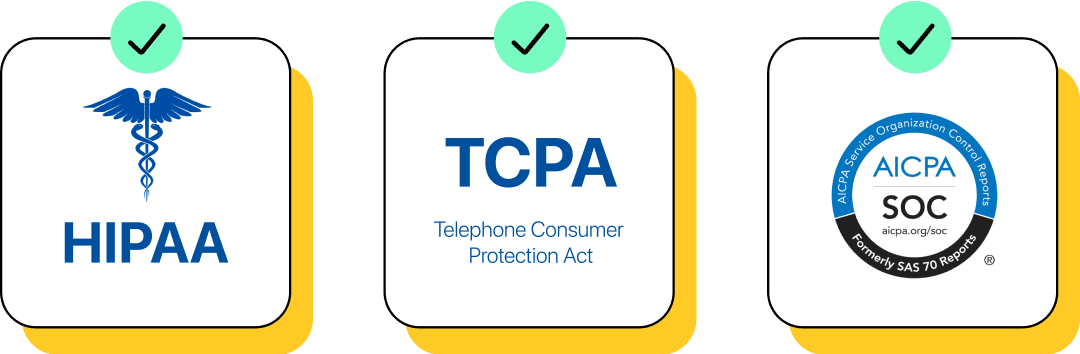
Heymarket’s easy onboarding gives you powerful compliance features without custom deployments. Access management, user roles, and permissions help you safeguard electronic protected health information (ePHI). Control who can access sensitive data, enable secure logins with SAML-based SSOand 2FA, and automate opt-in management to simplify compliance.
Connect Heymarket’s HIPAA-compliant texting and email service with your existing CRMs like Salesforce and chat tools like Microsoft Teams. Sync contact data, automate workflows, and trigger healthcare SMS and emails based on system updates for hands-free patient and staff communication.
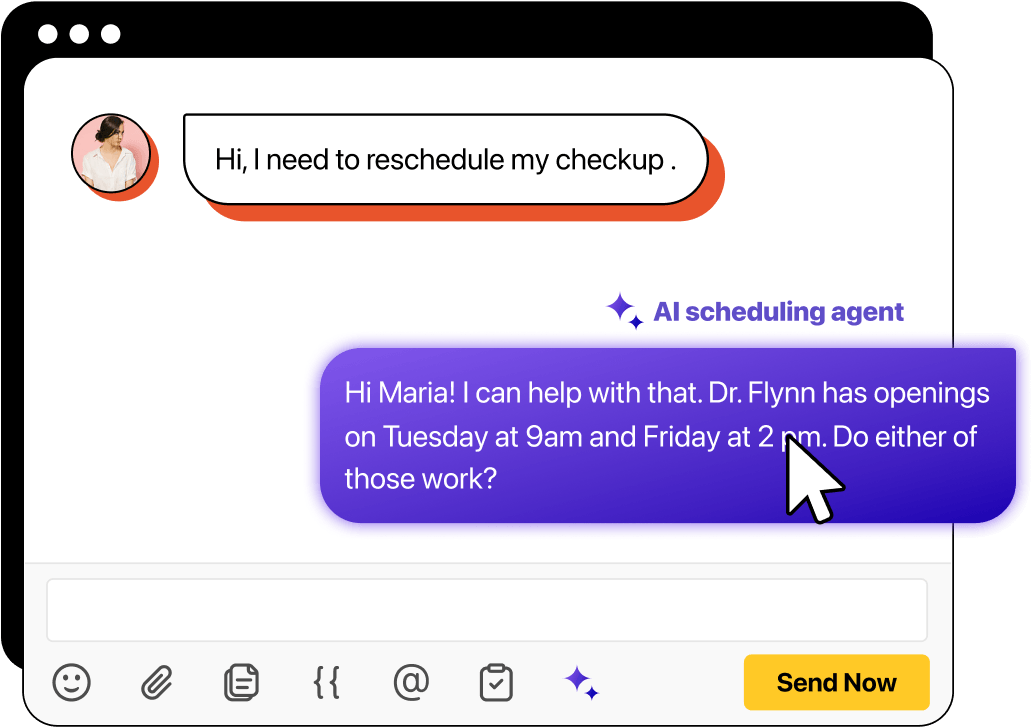
Automate your appointment booking process with agentic scheduling. Our AI agents match patients to available team members and collect your patients’ information, reducing your team’s administrative load.
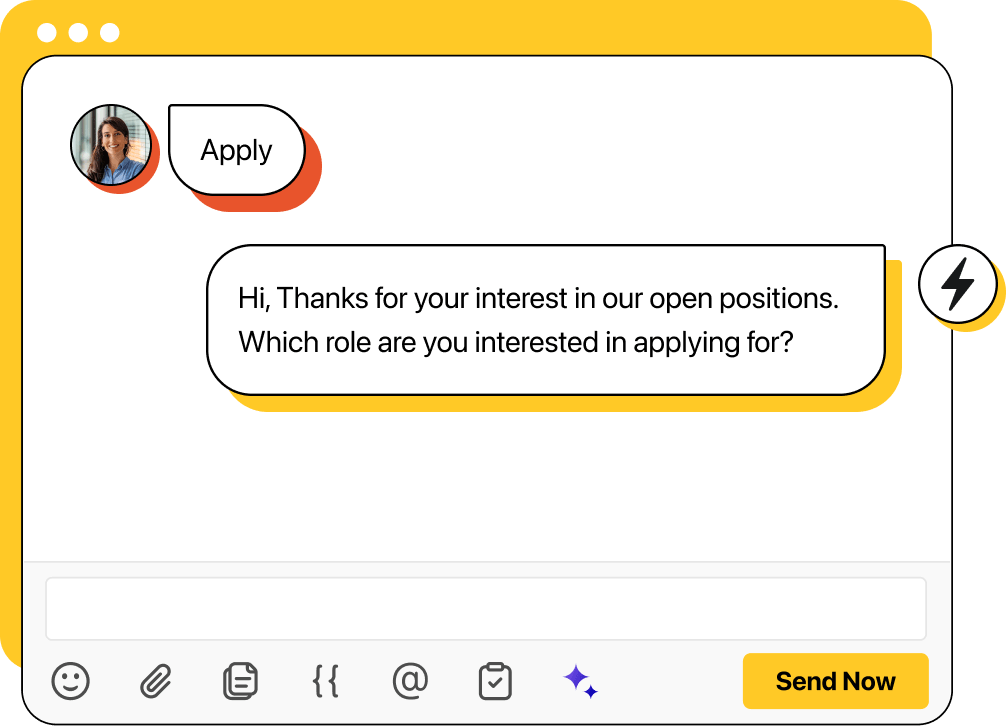
Accelerate your hiring with less administrative burden using SMS and email for recruiting. Capture opt-in and candidate interest with keyword-based automations. Send personalized mass texts when new positions open. Use automated text campaigns to schedule interviews, send follow-ups, and jumpstart onboarding.

Empower your team to help more people in more languages.

AI scheduling agents take manual appointment booking off your team.

Use AI agents to answer questions trained on your knowledge base, and route to your team when needed.
Centralize all patient and staff conversations in a shared inbox, ensuring every text and email is accessible for auditing and compliance assurance.
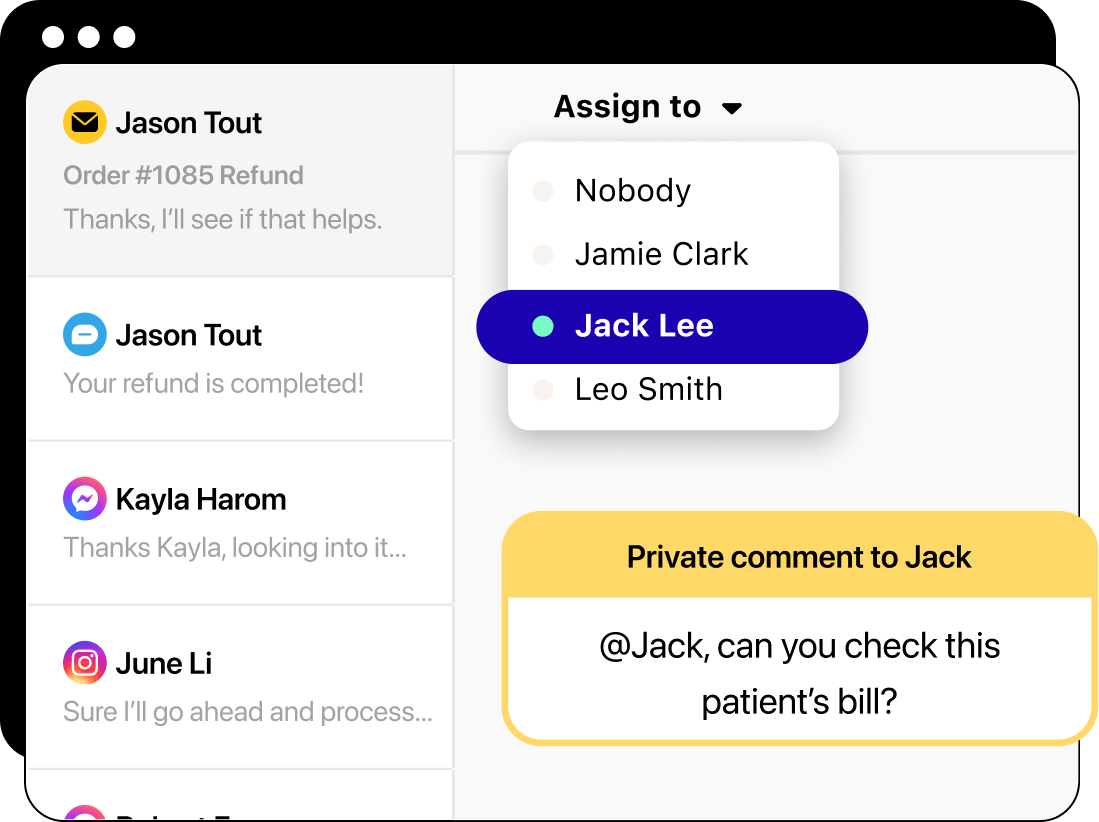
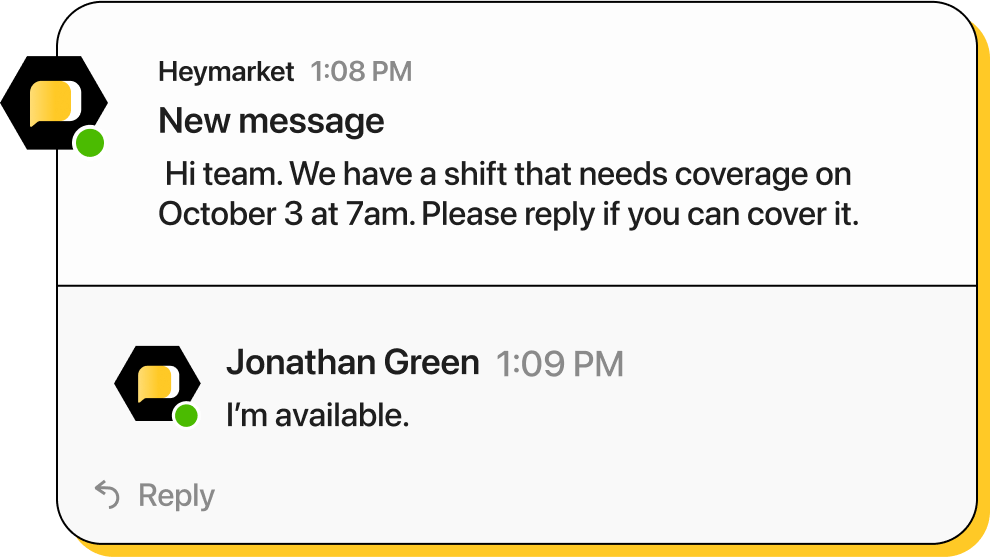
Quickly notify staff of shift updates, changes to the schedule, or emergency alerts with SMS and email for healthcare teams. Use broadcasts to send texts and emails to lists of contacts, keeping all team members informed of any important updates and schedule changes without leaving their internal collaboration platform. Streamline scheduling, billing reminders, and team coordination with personalized automated messaging.
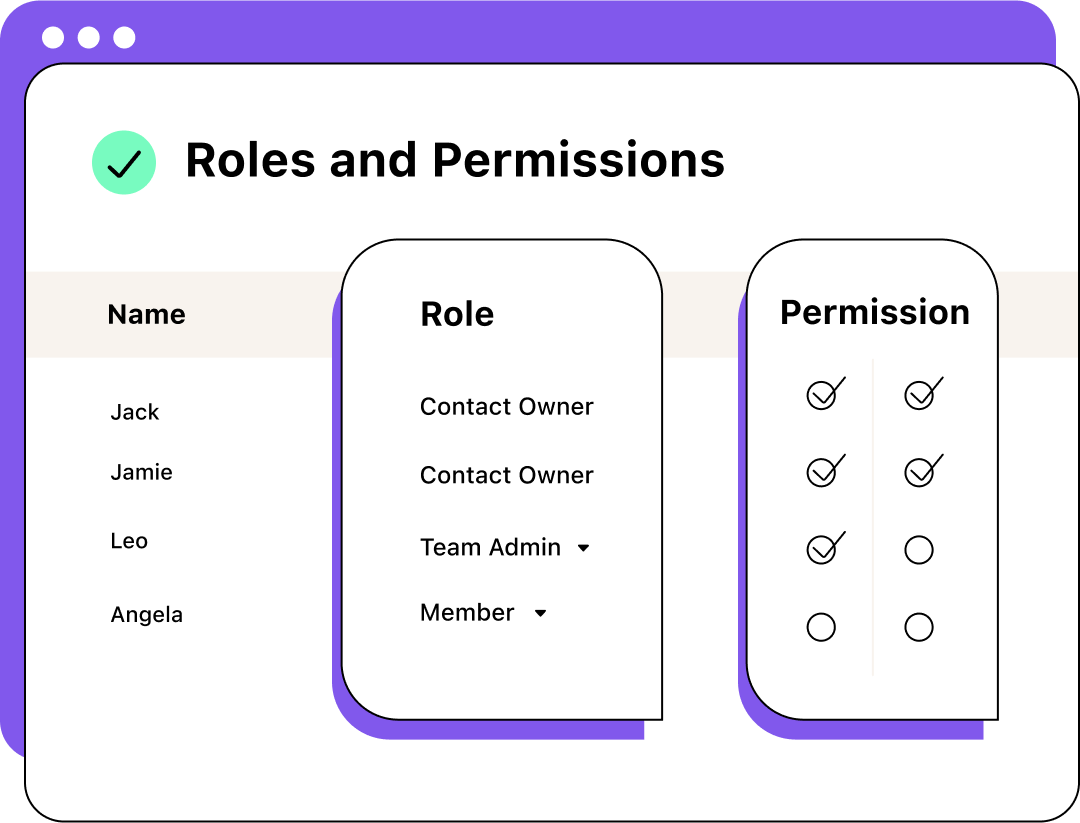
Control who can access, send, or manage patient-staff communications with custom role-based permissions. Create your own roles, establish an account hierarchy, then assign specific permissions to each group to ensure you stay compliant and protect ePHI.
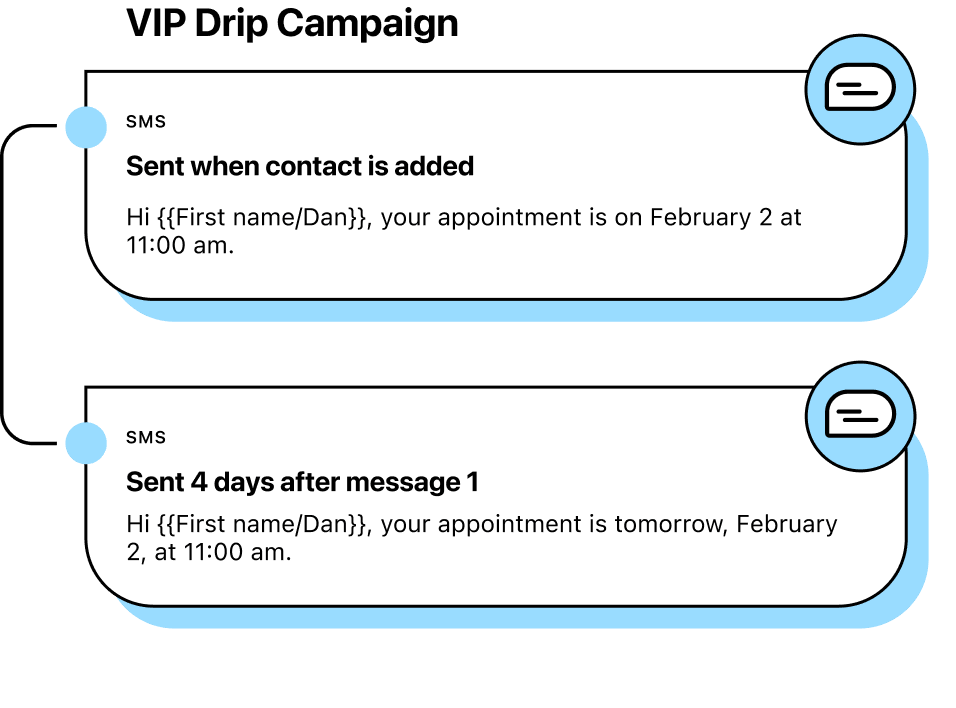
Send text reminders leading up to the appointment date with automated SMS appointment reminders. Create campaigns using text templates with custom fields to send personalized texts that include patient names, visit times, and rescheduling options, reducing last-minute cancellations and missed appointments.
Use these strategies for compliant, engaging communication.
Use healthcare texting and email to send administrative updates like appointment reminders and scheduling questions. Do not share private health information. Instead, send patients a notice that they have new information available and provide a secure portal link.
Use role-based permissions to ensure that only authorized staff can see or send patient messages to avoid compliance concerns and protect sensitive information.
Use custom fields to insert patients’ names and appointment details to personalize your texts and emails without exposing sensitive information.
Avoid sending texts too early or late in the day for compliance. If you need to contact someone outside of normal hours, schedule a text to deliver during business hours.
Use reporting and analytics tools to track delivery rates, response times, and HIPAA SMS compliance to ensure you’re offering the best patient experience possible.
Use reporting and analytics tools to track delivery rates, response times, and HIPAA compliance to ensure you’re offering the best patient experience possible.
Enhance patient communication, reduce no-shows, streamline billing reminders, and strengthen patient-provider relationships with secure, HIPAA-compliant SMS and email solutions.
Book a demoWant to know more about SMS and email for healthcare? We’ve answered some common questions below.
Connect with our team if you need any additional information.
How do you text a patient?
Healthcare providers can text patients using a secure medical text messaging platform like Heymarket. This platform will allow you to upload patient contact information (including phone numbers) through a CSV file. Then, you simply use the messaging feature within the platform to select a contact, create a text message, then send it or schedule it for later.
Is it illegal to text a patient?
No, it is not illegal. But before anyone on your team—including nurses, physicians, and administrative workers—texts a patient, you must ensure the patient opts in to receive messages. To comply with HIPAA and practice secure medical texting, healthcare workers must not send sensitive patient information. This includes test results, diagnoses, and more. Visit this article for a closer look at SMS compliance.
What are the risks of texting in healthcare?
Texts are insecure once they reach a patient’s hands. Anyone can read a patient’s texts if they have access to their phone. Also, hackers can intercept text messages sent and received from a mobile phone. For secure messaging, healthcare workers must use a HIPAA-compliant texting platform and only send administrative information—never electronic protected health information (ePHI).
What is HIPAA-compliant texting?
HIPAA-compliant texting is texting that adheres to HIPAA guidelines. You can support HIPAA SMS compliance with a secure healthcare text messaging platform. It should encrypt texts in storage and in transit, as well as support automatic opt outs. To truly achieve compliance, your team must review and adjust your internal messaging and data processes. You should also consult your legal team on how to use texting in your specific organization.
How do I make SMS HIPAA compliant?
You can follow several steps to achieve HIPAA-compliance with text messaging for healthcare:
Note that compliance with legal frameworks, such as HIPAA, may be fact- and context-specific. The information contained on this page should not be relied upon as legal advice or to determine how HIPAA or other laws or standards apply to your use of SMS and our service.
This SMS compliance information is provided “as is” and may be updated or changed without notice. You may use this page for your internal reference purposes only.
The COVID-19 pandemic has changed the healthcare industry. Providers’ need for contactless interactions led to a digital transformation, ...
Read the storyHealthcare institutions share certain challenges nationwide. Slow patient communications and high missed appointment or bill rates are just ...
Read the storyYour well-defined recruiting workflows help your team efficiently promote job openings and manage the hiring process. But what ...
Read the story